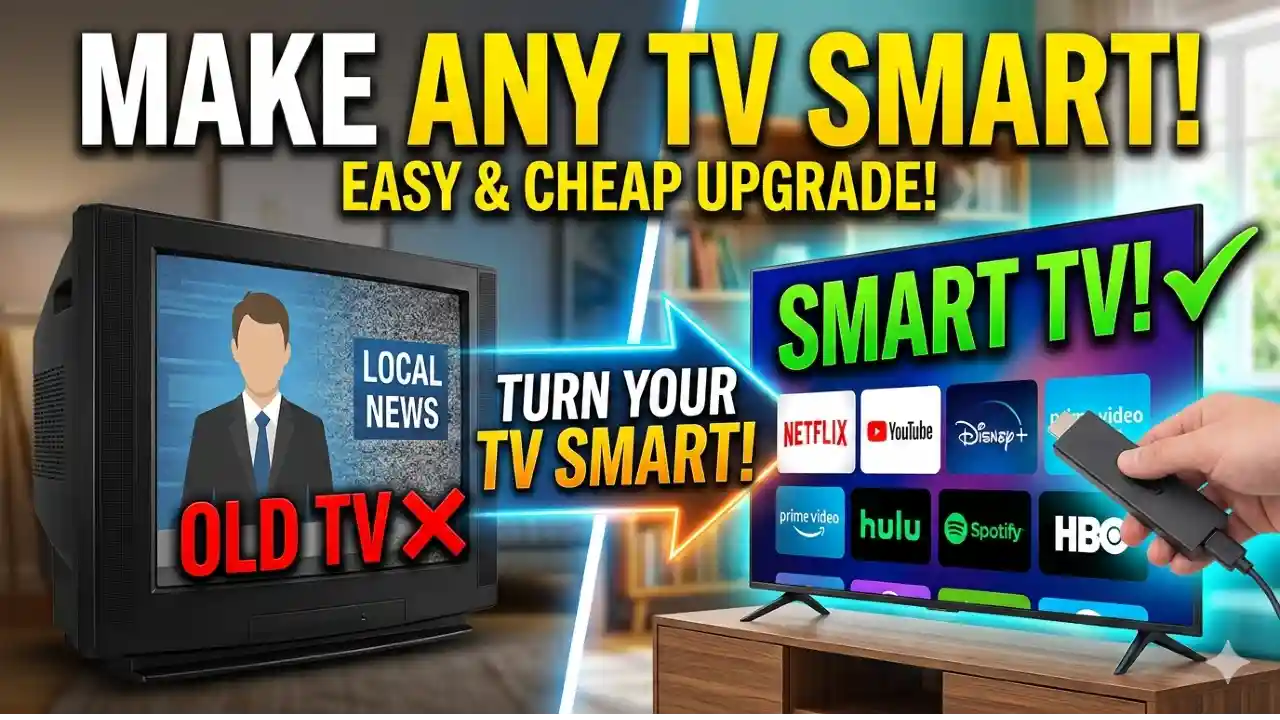
In 2026, you don’t need to buy a brand-new television to enjoy smart features like streaming apps, screen mirroring, or voice control. If you already have a normal LED or LCD TV, there are several simple and affordable ways to turn it into a smart TV.
This guide explains the best methods in simple terms so anyone can follow along.
What Is a Smart TV?
A smart TV connects to the internet and lets you use apps like Netflix, YouTube, Prime Video, and more. It also allows features like screen casting, browsing, and sometimes voice commands.
A normal TV does not have these features built-in—but you can easily add them.
1. Use a Streaming Device (Most Popular Option)
Streaming devices are small gadgets that plug into your TV’s HDMI port and instantly add smart features.
Popular Options in 2026:
- Amazon Fire TV Stick
- Google Chromecast
- Roku Streaming Stick
- Apple TV (premium option)
Why It’s a Good Choice:
- Easy to set up (plug and play)
- Supports most streaming apps
- Affordable for most users
- Works with almost any TV with HDMI
How It Works:
- Plug the device into your TV’s HDMI port
- Connect it to Wi-Fi
- Log into your apps
- Start streaming
This is the best option for most people because it is simple and reliable.
2. Use an Android TV Box
An Android TV box is like a mini computer for your TV. It runs Android and gives you full smart TV functionality.
Benefits:
- Access to Google Play Store apps
- Supports gaming and apps
- More powerful than streaming sticks
- Can connect USB devices
Downsides:
- Slightly more expensive
- Setup is a bit more complex
Best For:
People who want more control, customization, or gaming options.
3. Connect a Laptop or PC
You can turn your TV into a smart screen by connecting a laptop or desktop.
What You Need:
- HDMI cable
- Laptop or PC
Benefits:
- Full access to internet and apps
- No need to buy extra smart devices
- Great for work and entertainment
Limitations:
- Not as convenient as a remote-controlled smart system
- You need to keep your laptop connected
4. Use a Gaming Console
Modern gaming consoles can also work as smart entertainment systems.
Examples:
- PlayStation
- Xbox
What You Get:
- Streaming apps like Netflix and YouTube
- Internet browsing
- Gaming + entertainment in one device
Best For:
People who already own a console and want to use it for more than gaming.
5. Screen Mirroring from Your Phone
You can mirror your smartphone screen to your TV using wireless technology.
Options:
- Chromecast casting
- Miracast
- AirPlay (for Apple devices)
Benefits:
- No extra cost (if supported)
- Easy to share videos, photos, and apps
Limitations:
- Depends on your TV and phone compatibility
- Not as smooth as dedicated streaming devices
6. Use HDMI Adapters (For Older TVs)
If your TV does not support wireless features, you can use adapters.
Examples:
- Lightning to HDMI (for iPhone)
- USB-C to HDMI (for Android phones)
Benefits:
- Simple wired connection
- Works even without Wi-Fi
Which Option Should You Choose?
Here’s a quick guide:
- Best overall: Streaming devices (Fire Stick, Chromecast)
- Best for advanced users: Android TV box
- Best budget option: Screen mirroring or HDMI cable
- Best for gamers: Gaming console
- Best for work use: Laptop connection
Final Thoughts
Turning a normal TV into a smart TV in 2026 is easier than ever. You don’t need technical skills or a big budget. A simple device like a streaming stick can completely change how you watch content.
If you want the easiest and most affordable solution, go for a streaming device. If you want more power and flexibility, an Android TV box is a great upgrade.
No matter which option you choose, you can enjoy modern entertainment without replacing your TV.
FAQs
1. Can I make any TV a smart TV?
Yes, as long as your TV has an HDMI port, you can make it smart.
2. Do I need internet for a smart TV setup?
Yes, most smart features require a Wi-Fi connection.
3. What is the cheapest way to make a TV smart?
Using screen mirroring or a basic streaming stick is the most affordable option.
4. Is an Android TV box better than a Fire Stick?
It depends. Android TV boxes offer more features, but Fire Sticks are easier to use.
This guide helps you choose the best way based on your needs, budget, and ease of use.